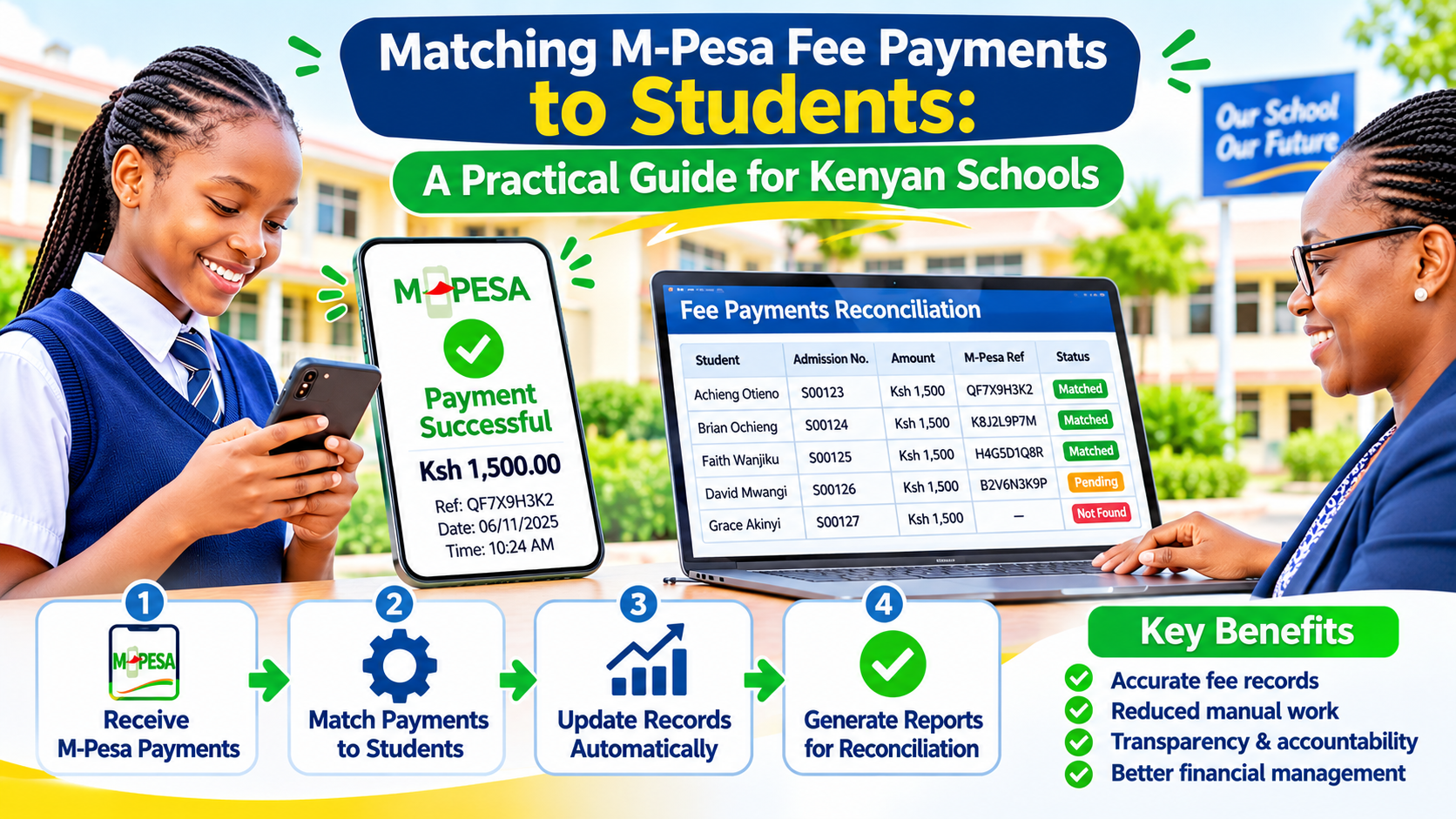
Ask any school bursar about the first few weeks of term and you will hear the same story. Parents pay fees through the school's M-Pesa paybill, the money arrives, and then the real work begins. Someone has to work out which student each payment belongs to, update the fee records, issue receipts and answer calls from parents asking whether their money has been received. In many schools this still happens with a printed statement, a highlighter and a spreadsheet.
This guide explains why fee reconciliation is so painful, what an automated approach looks like in practice, and how a school can move to it without disrupting a term already under way.
Why M-Pesa fee payments are hard to match
M-Pesa has made paying fees far easier for parents. The difficulty is on the receiving end. The paybill account field is free text, so the school depends on parents typing the right reference. In practice, the bursar's office sees things like:
- Inconsistent account references such as the student's name, a nickname, the word "fees", the class, or an admission number with a missing digit.
- One payment for several children, where a parent sends a single amount meant to cover two or three siblings.
- Part payments spread across the term, each needing to be recorded against the right balance.
- Payments from someone else's phone, such as a relative or a guardian, so the sender's name gives no clue.
- Other channels running alongside, including bank deposits, cheques and occasional cash, which all need to end up in the same ledger.
- Different fee structures for day scholars and boarders, transport, lunch programmes and other vote heads.
Each of these is manageable on its own. Together, at the scale of a full school, they create days of manual work, a backlog of unconfirmed payments and a real risk of errors that only surface when a student is sent home over a balance that was in fact paid.
What an automated fee collection setup looks like
A well-built school management system does not just store fee balances. It connects directly to the payment channel and does most of the matching for you. Here is how the pieces fit together.
1. Payments arrive in the system as they happen
Instead of downloading statements, the system receives a notification from Safaricom's payment APIs each time a parent pays into the paybill. The transaction code, amount, phone number and account reference are recorded immediately, so nothing depends on someone remembering to import a file.
2. Smart matching of account references
The system tries to identify the student from whatever the parent typed. It can clean up spaces and punctuation, recognise admission numbers in different formats, compare names against the register and check the paying phone number against the contacts held for each family. Payments it can match with confidence are posted automatically. Anything uncertain goes into an exceptions list for a person to review, rather than being guessed.
3. Clear allocation rules
Once a payment is linked to a family or a student, rules decide where the money goes. The school sets these rules, for example clearing arrears first, then tuition, then boarding, then transport. Where a parent pays for siblings, the system can split the amount according to an agreed order or flag it for the bursar to divide. The important point is that the rules are written down and applied consistently, not left to whoever happens to be at the desk.
4. Instant receipts by SMS
As soon as a payment is posted, the parent receives an SMS confirming the amount received, the student it was applied to and the remaining balance. This one feature removes a large share of the phone calls and visits that clog the bursar's office at the start of term.
5. Live balances for everyone who needs them
The bursar, the head teacher and, where the school chooses, class teachers can see up-to-date balances without asking for a report. Parents can check statements through a portal or by SMS. Decisions about clearance for exams or trips are then based on current figures rather than last week's spreadsheet.
6. Reconciliation reports that actually reconcile
At the end of each day or week, the system produces a report comparing what arrived through the paybill and the bank with what was posted to student accounts. Any difference is visible straight away, with the transactions behind it. This makes audits and board meetings far less stressful.
What should stay in human hands
Automation is not about removing the bursar. It is about freeing them from repetitive matching so they can focus on the cases that genuinely need judgement:
- Reviewing and resolving the exceptions list.
- Applying bursaries, sponsorships, waivers and agreed payment plans.
- Handling refunds and transfers between siblings.
- Speaking with families who are struggling to pay.
A good system records who made each change and why, so there is a clear audit trail for every adjustment.
Getting started without disrupting the term
Schools often worry that switching systems mid-year will cause chaos. It does not have to, if the change is planned. A sensible sequence looks like this:
- Clean up the student register. Make sure every learner has a unique admission number and that parent phone numbers are current. This single step makes automatic matching far more reliable.
- Agree the fee structure and vote heads. Write down every fee item, which learners it applies to and the order in which payments should be allocated.
- Bring in opening balances. Import each student's balance as at a fixed date, and have the bursar sign it off.
- Tell parents the new account format. A short SMS explaining exactly what to type in the account field reduces mismatches from day one.
- Run in parallel for a short period. Keep the old process going briefly while staff compare results, then switch over once everyone is comfortable.
- Train the people who will use it. Bursars, accounts clerks and administrators should know how to handle exceptions and run reports before they need to.
Questions to ask any provider
Whether you work with us or someone else, these questions will help you separate a real solution from a nice-looking dashboard:
- Does the system receive M-Pesa payments automatically, or does it still rely on uploaded statements?
- What happens to a payment it cannot match? Who sees it, and how is it resolved?
- Can we set our own allocation rules and vote heads?
- How are bank deposits and other channels brought into the same ledger?
- Are SMS receipts sent automatically, and can we control the wording?
- Who owns our data, and how is it backed up?
- What support is available during the busy weeks at the start of term?
Let's look at your school's fee process together
At Glomex Technologies we build school management systems with M-Pesa payments and bulk SMS built in, and we adapt them to how each school actually runs its finances, from small day schools to large boarding institutions. If your bursar's office spends the start of every term chasing payments and answering calls, we would be glad to walk through your current process with you and show you what could be automated. Get in touch and tell us about your school.
Share this post
Know someone who'd enjoy reading Matching M-Pesa Fee Payments to Students: A Practical Guide for Kenyan Schools?